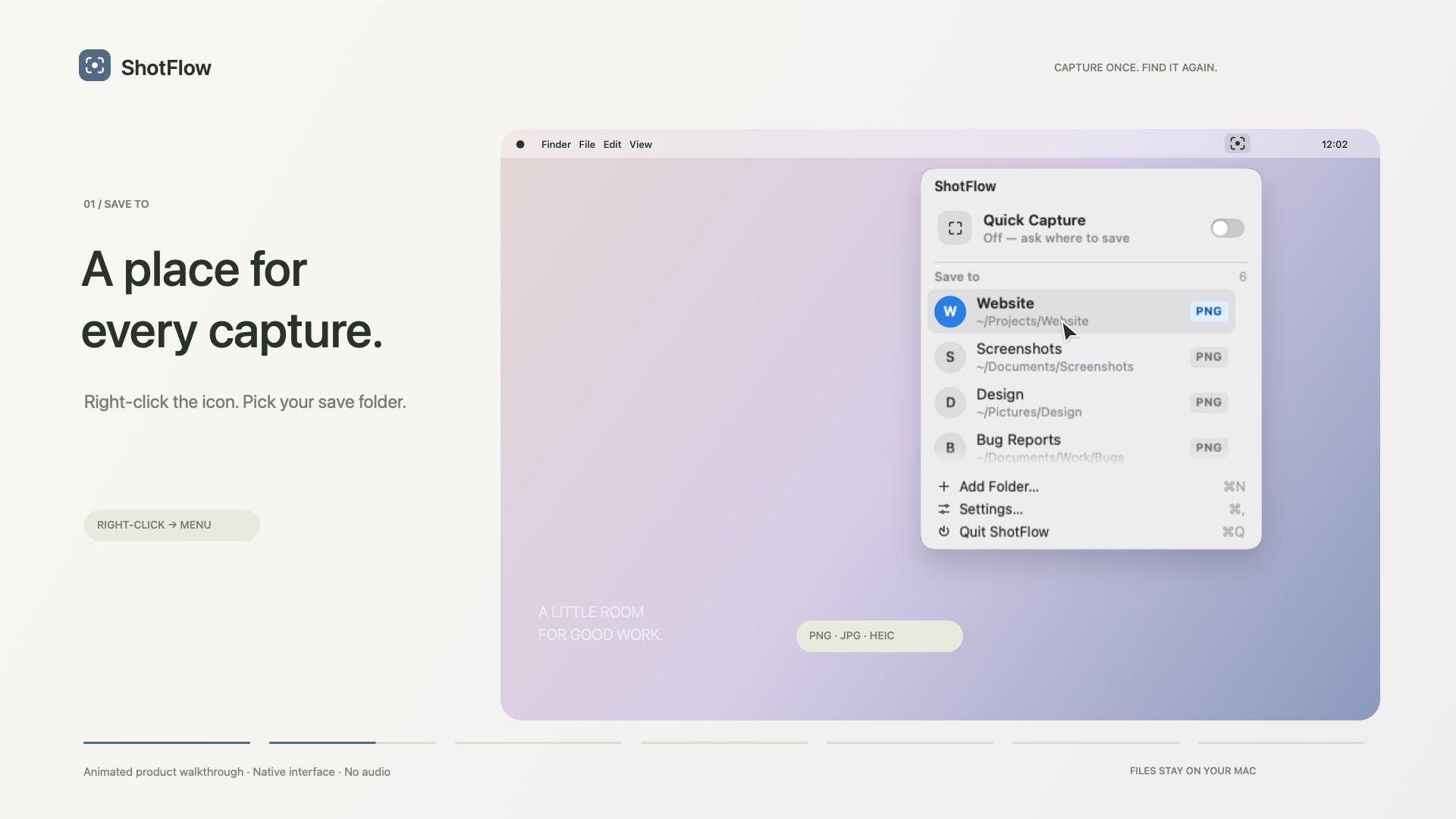
01
Right-click. Pick a folder.
Each folder keeps its own format: PNG, JPG or HEIC.
Capture an idea, name it, and save it straight to the right project folder — from your menu bar, in seconds.
One-time purchase · macOS 14 or later · Apple silicon and Intel
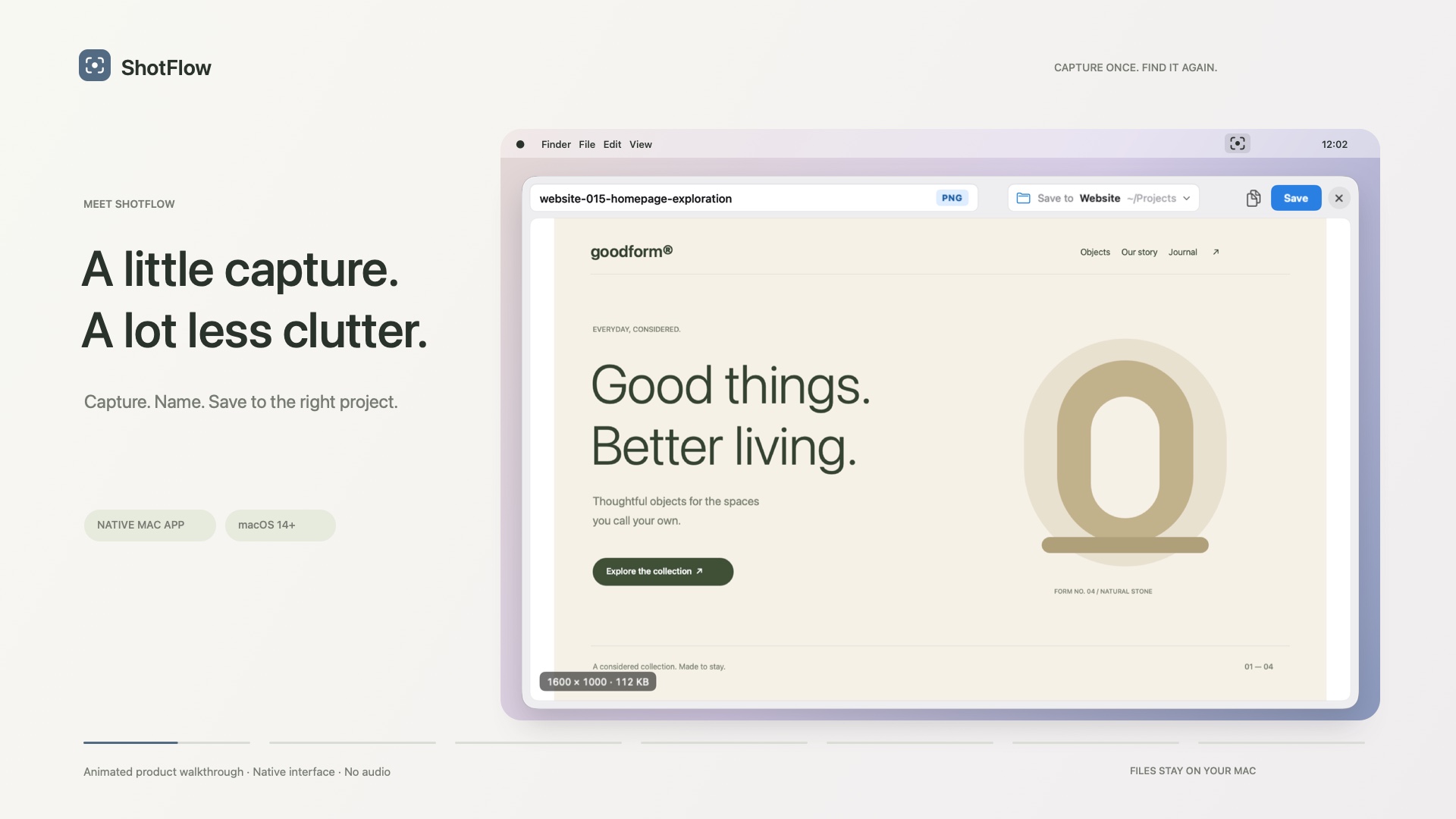
Give it a folder, a format and a naming template. Once.
Click the menu bar icon or press ⌃⌥4 — full screen, region or window.
Name it and save. Or let Quick Capture do it for you.
Each folder keeps its own format: PNG, JPG or HEIC.
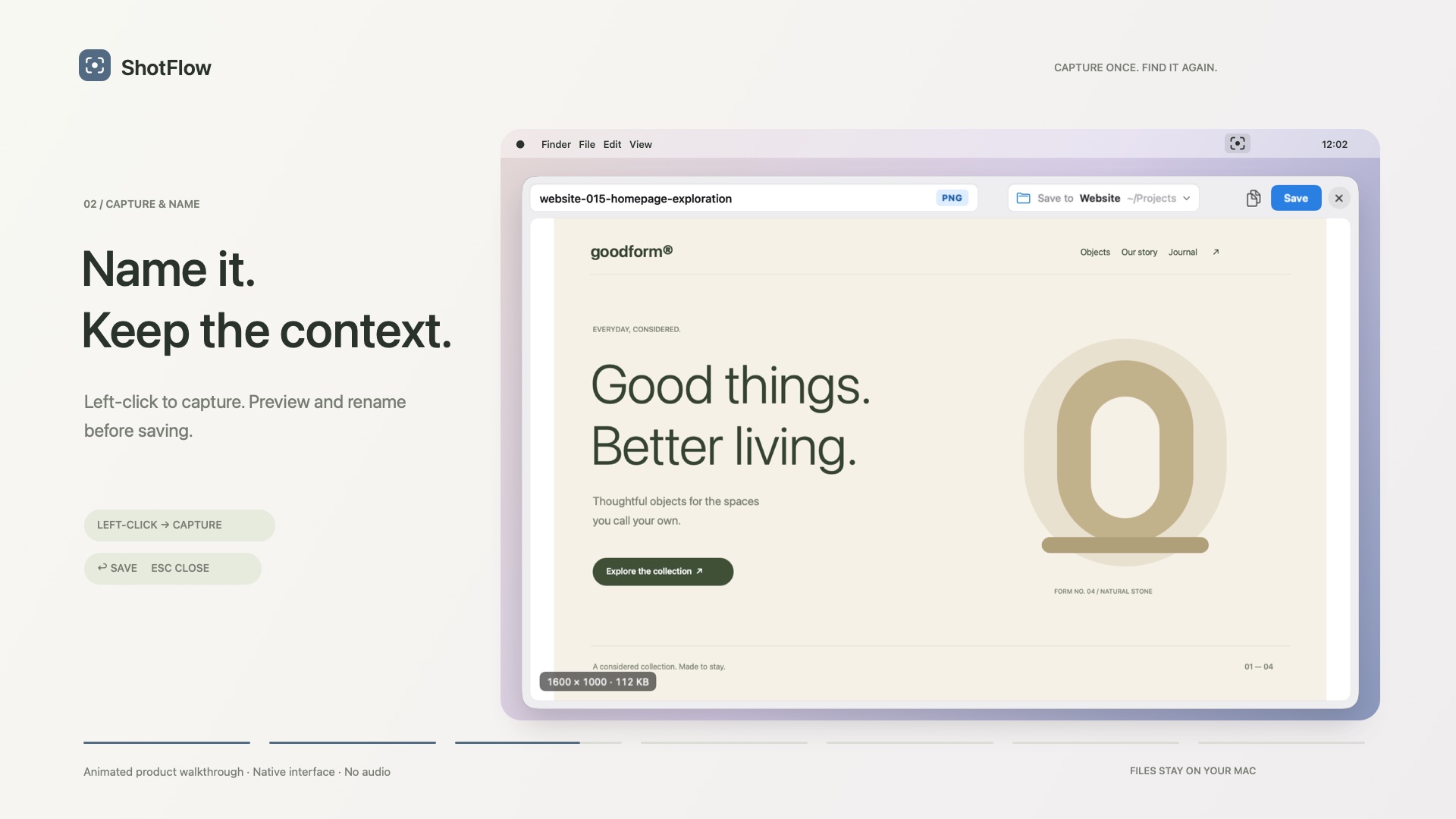
Check it, rename it, save it.
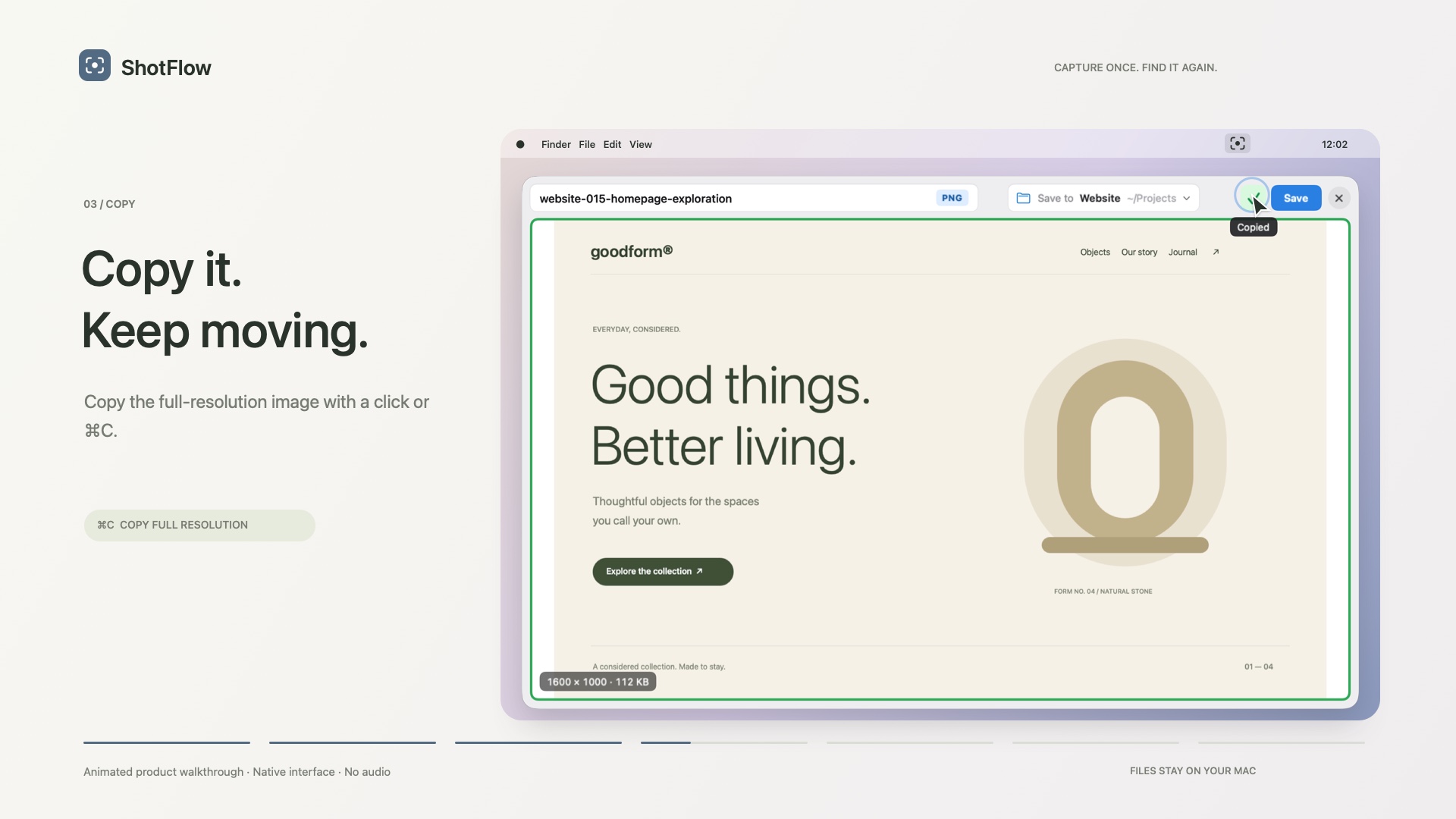
Full resolution with one click or ⌘C.
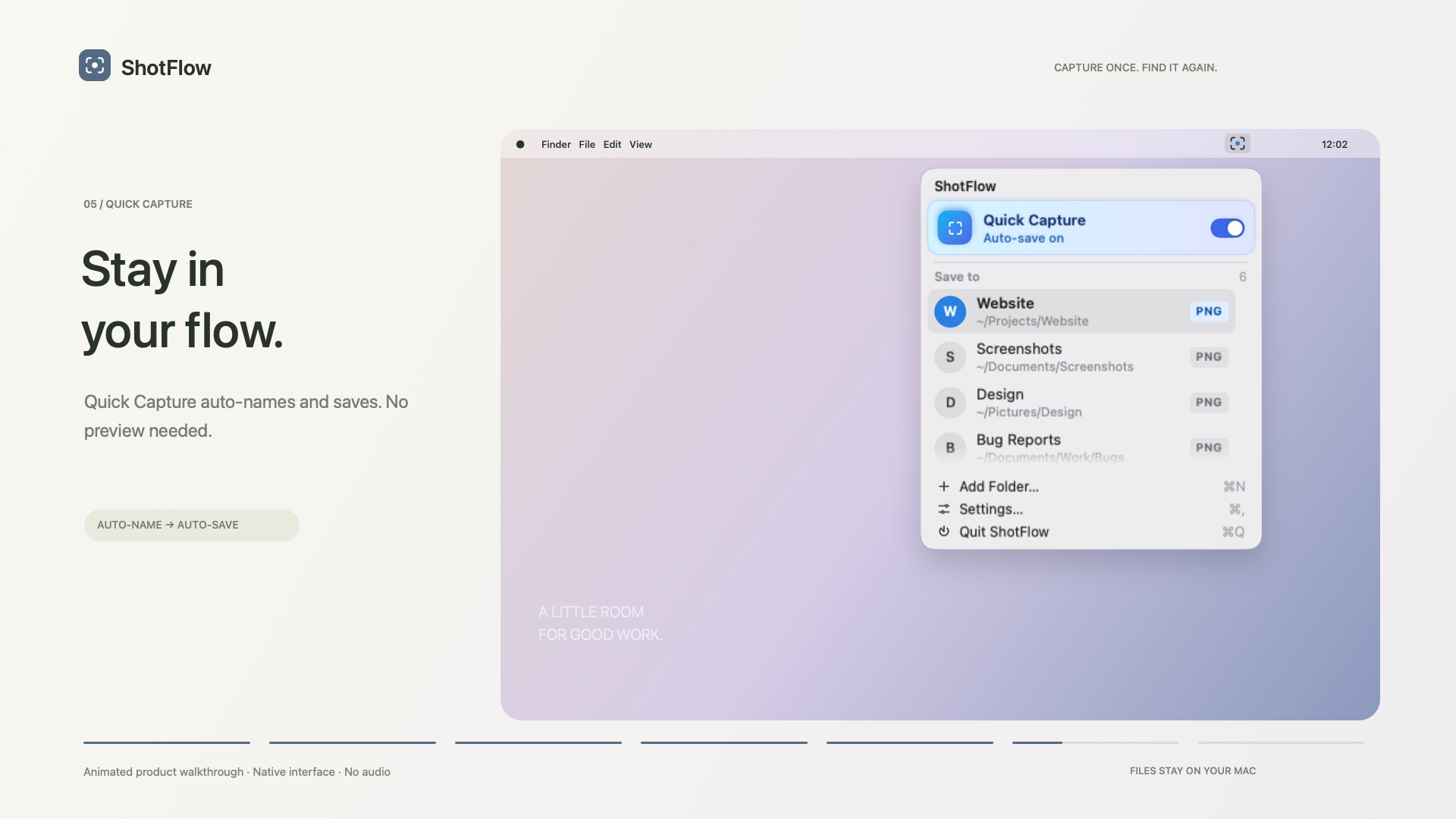
Names and saves it for you — no preview.
Draw, highlight, add arrows and text, or blur sensitive details — right in the capture panel, then save to your project as usual.
Each project has its own folder, image format and filename template. Leave the name blank and ShotFlow leaves it out.
{project}-{###}-{name}
No screenshot uploads, no cloud storage, no account.
ShotFlow only writes to the clipboard when you press Copy.
Ordinary PNG, JPG or HEIC files in folders you choose.
One-time purchase, no subscription; every plan includes all features and every 1.x update.
For one personal Mac
Work Mac + home Mac, one license
For design, QA and product teams
Annotate is coming soon · Secure checkout by Lemon Squeezy · Questions? [email protected]
ShotFlow puts capture, naming and project folders in one step. Pick a destination, capture, and a named file lands in that project. Quick Capture does the naming and saving for you.
No. It's a one-time purchase: Standard $6.99 (1 Mac), Pro $9.99 (2 Macs), Team $24.99 (5 Macs).
Screen Recording, so it can capture your screen, plus access to the folders you choose. No Accessibility access, no audio, no clipboard reading.
To the folder of the selected project, saved locally on your Mac. Each project has its own format and filename template.
Email [email protected].
